 LineListen
Mac
Your input. In your ears.
Listen to your USB interface, microphone, or line-in through your Mac's speakers or headphones. Choose an input, press Start, and keep everything close in one small menu bar panel.
Coming soon for Mac · Free, with no subscriptions
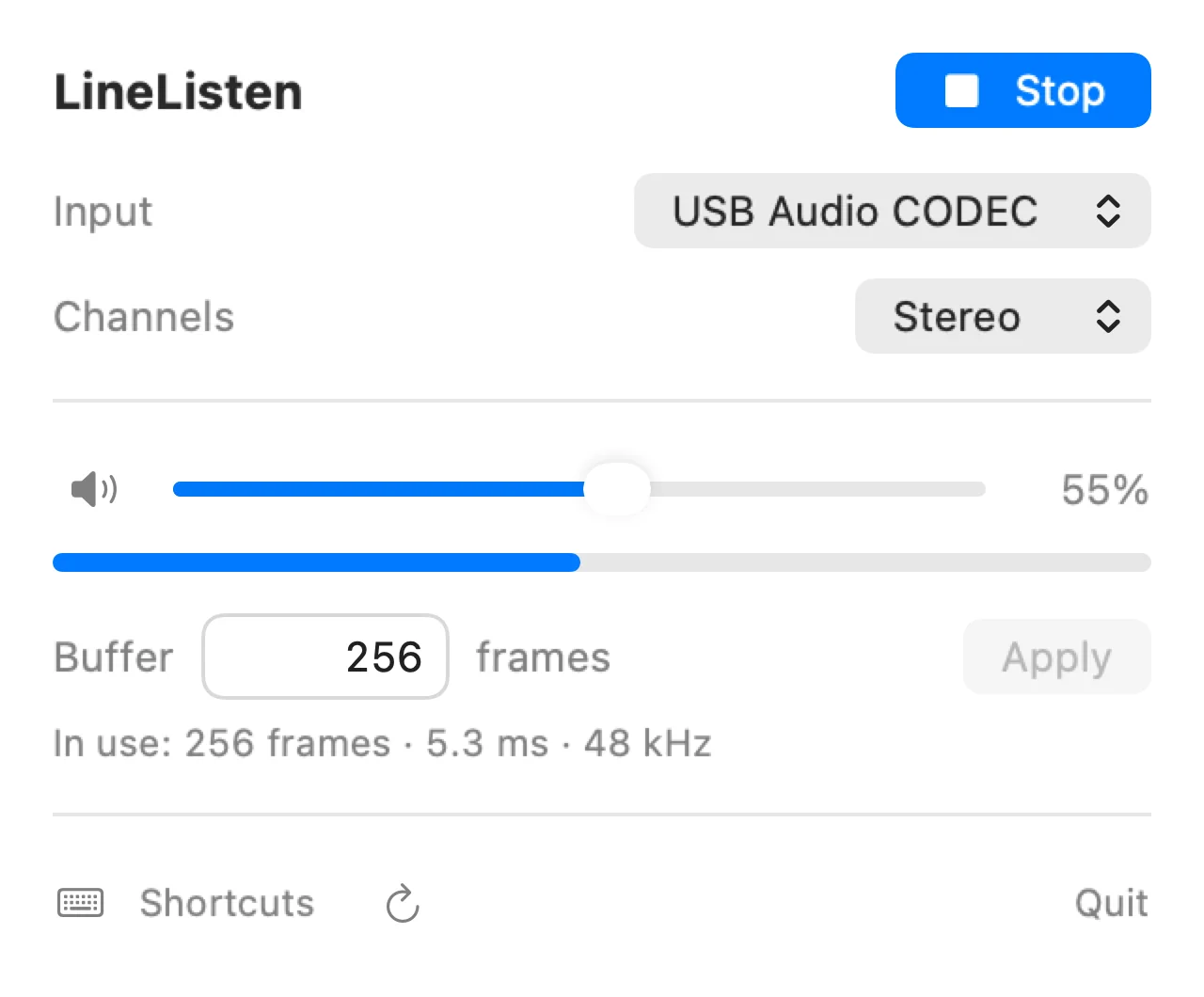
A little quieter. Or completely quiet.
Adjust your input's volume without changing the sound from other apps. Mute with a click, then pick up at the same volume when you're ready.
Set your own keyboard shortcuts for mute, volume down, and volume up. A green dot means monitoring is running; an orange ring means it is muted. Close the panel and your audio keeps playing.
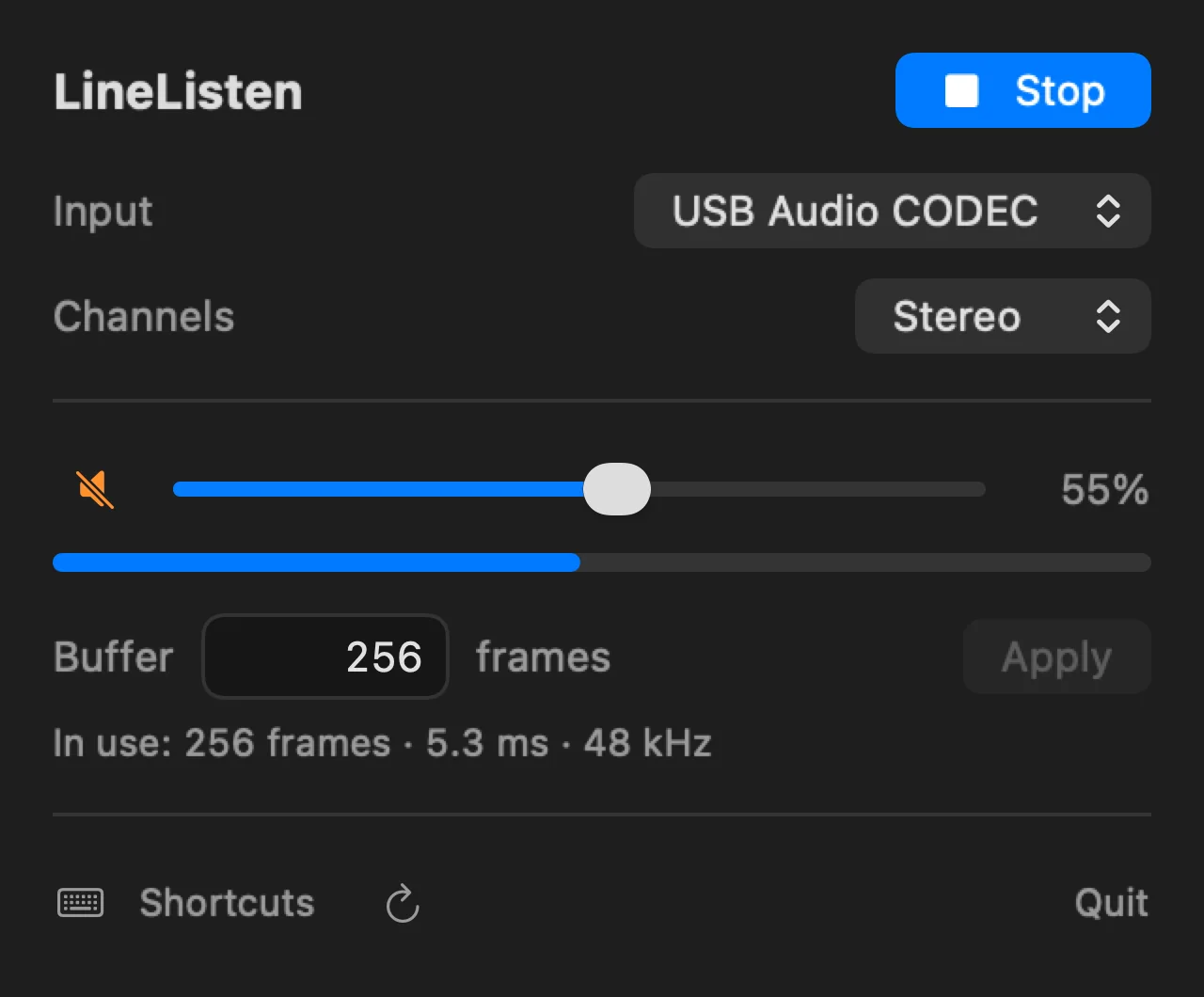
Find your buffer size.
Enter a buffer size in frames and see the value your devices use. Smaller buffers can reduce delay; larger buffers can improve stability. If a device needs a different size, LineListen shows its limit.
For the least delay, use wired speakers or headphones. AirPods and other Bluetooth outputs work too, with the extra delay that Bluetooth introduces. The displayed buffer duration is only part of the total listening delay.
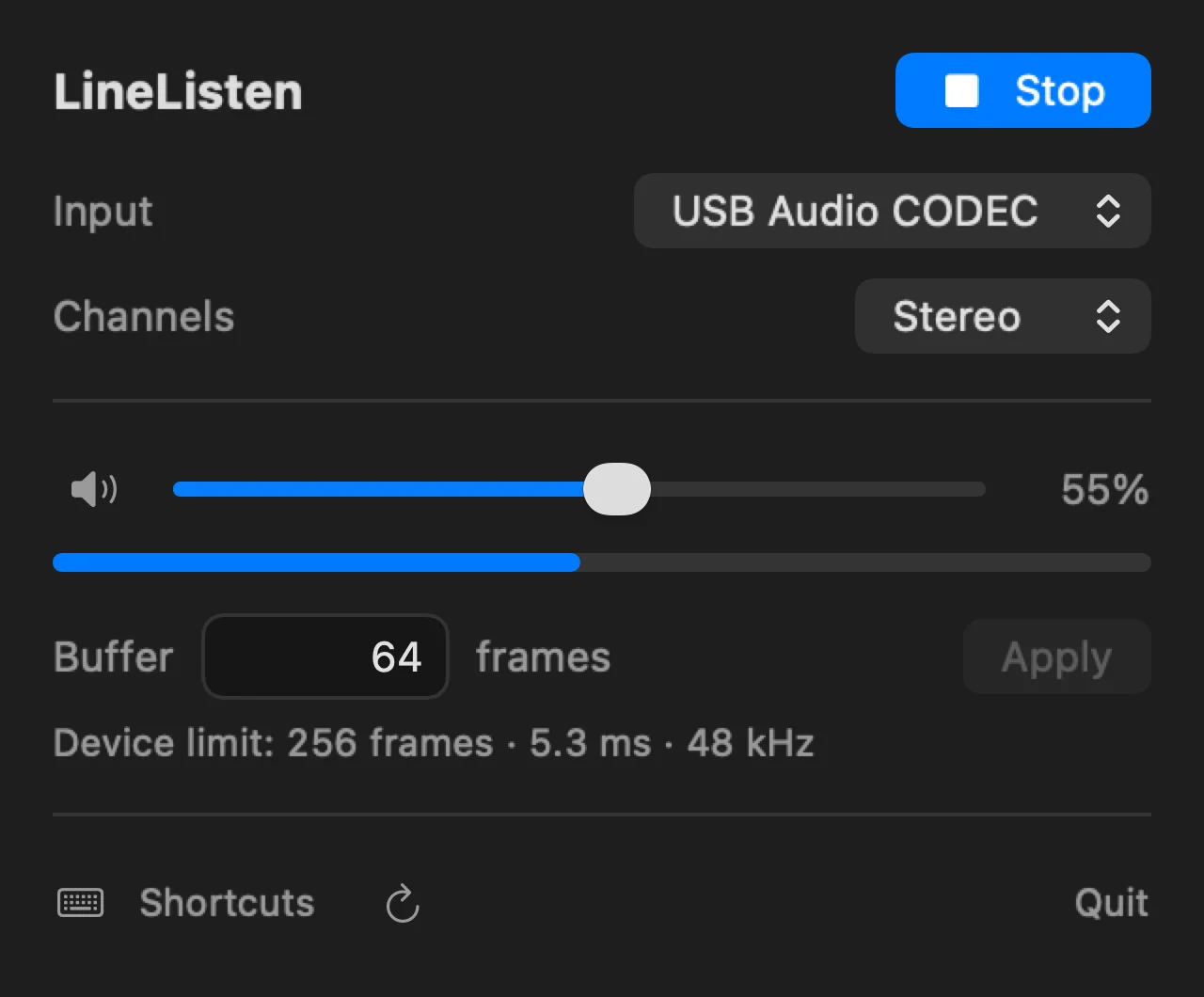
Follow your Mac's output.
Switch speakers or headphones in Control Center or macOS Sound settings. LineListen follows your system output automatically.
Your sound stays with you.
LineListen processes audio in memory on your Mac. It doesn't record, save, or upload your sound. No accounts, ads, analytics, or subscriptions.
Frequently asked questions
Is LineListen free?
Yes. LineListen is coming soon as a free Mac App Store download, with no in-app purchases or subscriptions.
What do I need?
A Mac running macOS 15 or later and a compatible audio input. macOS asks for microphone permission for hardware inputs, including USB audio devices.
Can I listen to sound from another app?
LineListen monitors hardware inputs. It doesn't capture individual apps or install a virtual audio driver.
Why is my buffer different from the value I entered?
Your audio devices determine which buffer sizes they support. LineListen requests your chosen size and shows the size in use, or the device limit when your request can't be used.
Where can I get help?
Visit LineListen support for setup and troubleshooting, or contact support@flaviothomi.com. Read the privacy policy for details about local processing.
Coming soon for Mac · Free, with no subscriptions
Coming soon