 Speed Limit Fullscreen
iPhone · iPad · Apple Watch
Speed limits. No route needed.
See the mapped road limit and your GPS speed without entering a destination. Download a map for offline use, choose your alerts, and keep the display easy to read.
15 minutes of speed-limit display free each day · PRO removes the daily limit
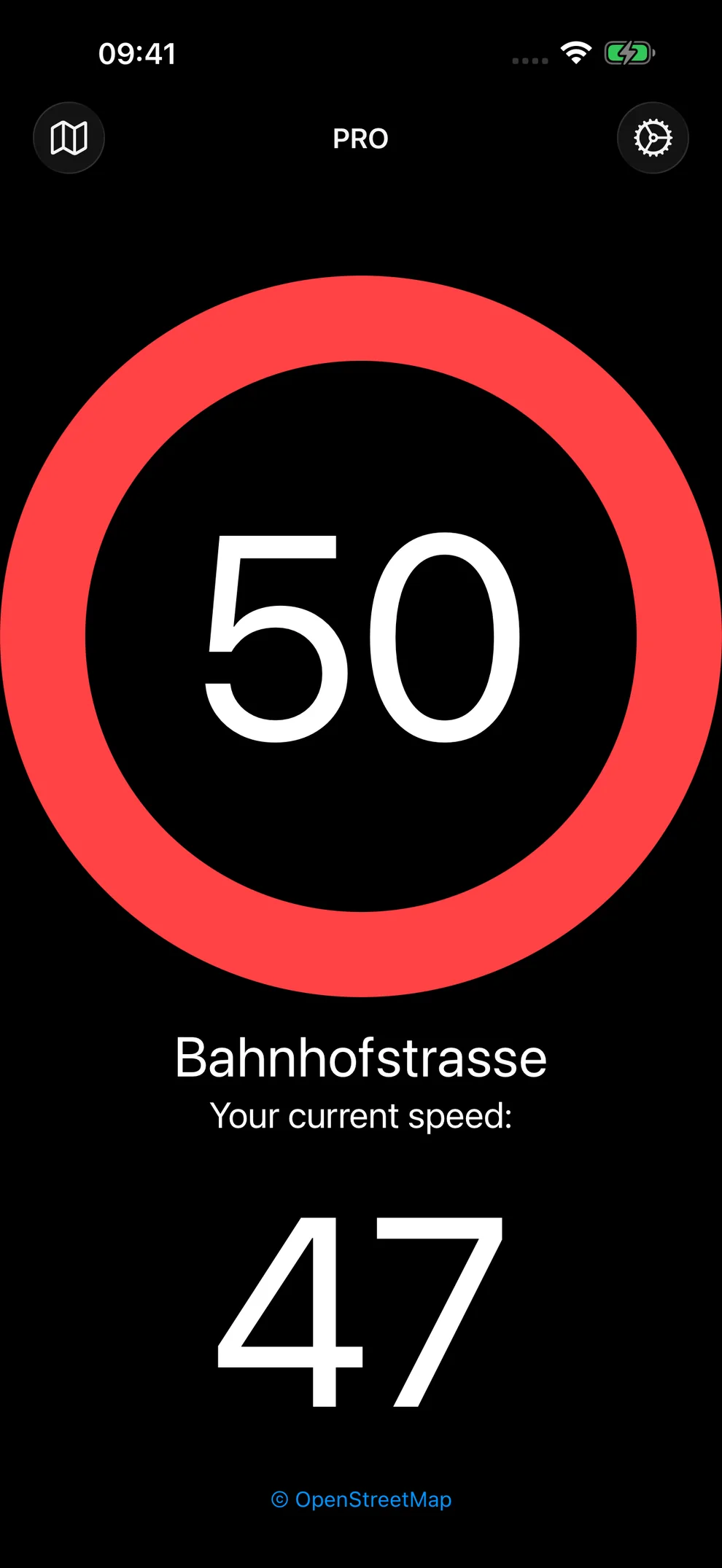
Drive offline.
Download the map you need before you leave. Once it is ready, the speed-limit display works even where mobile coverage drops.
After you allow location access, automatic downloads can prepare the smallest available region around you. You can also choose a region yourself, decide whether downloads may use cellular data, or save a trip to prepare maps along its route.
If a map server is temporarily unavailable or a connection stalls, downloads can recover through an alternate source for Switzerland and other supported regions. You can pause or cancel while they retry. Trip preparation checks the coverage of the maps actually saved on your device.
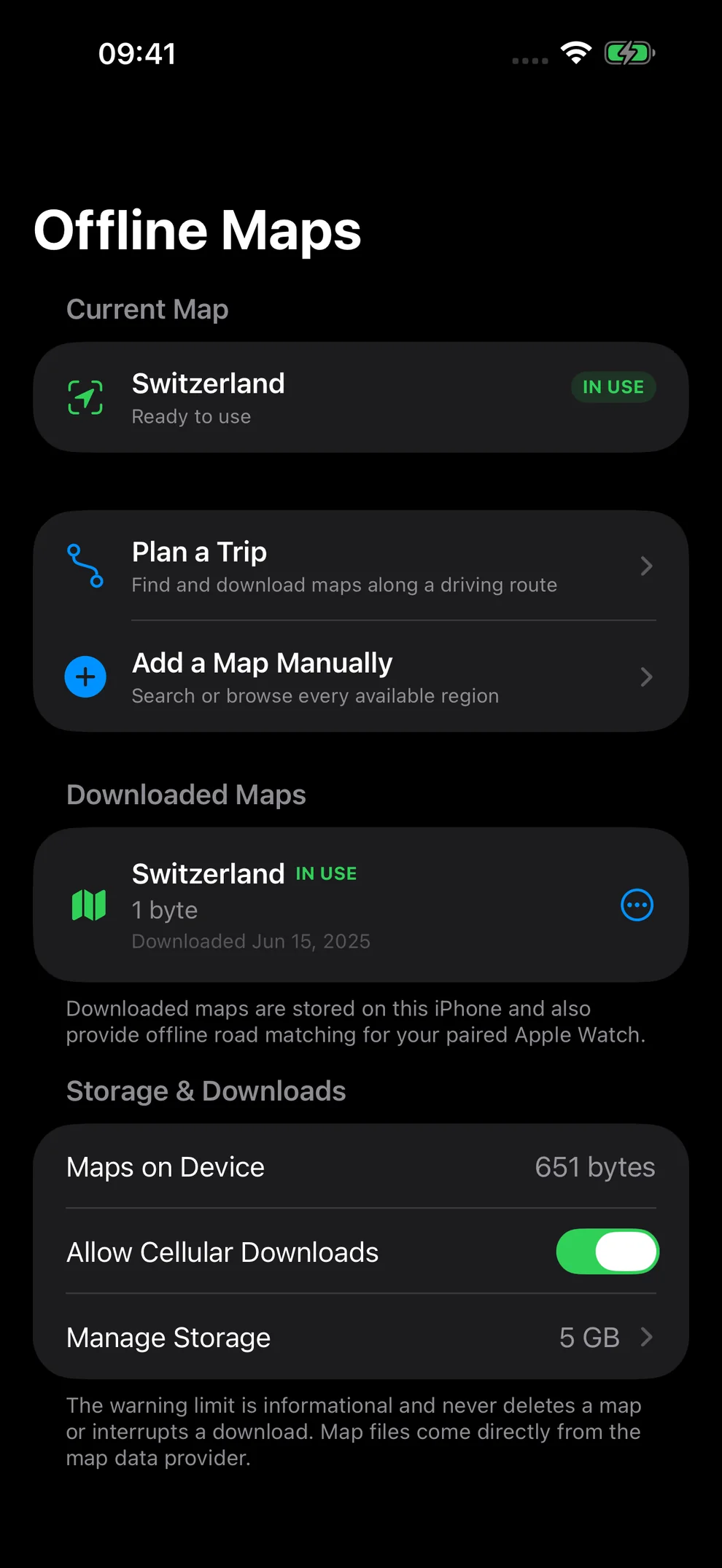
Know when you’re over.
Your speed turns red when it passes your chosen threshold above the mapped limit. Add a warning sound and set how often it repeats, or keep the display quiet.
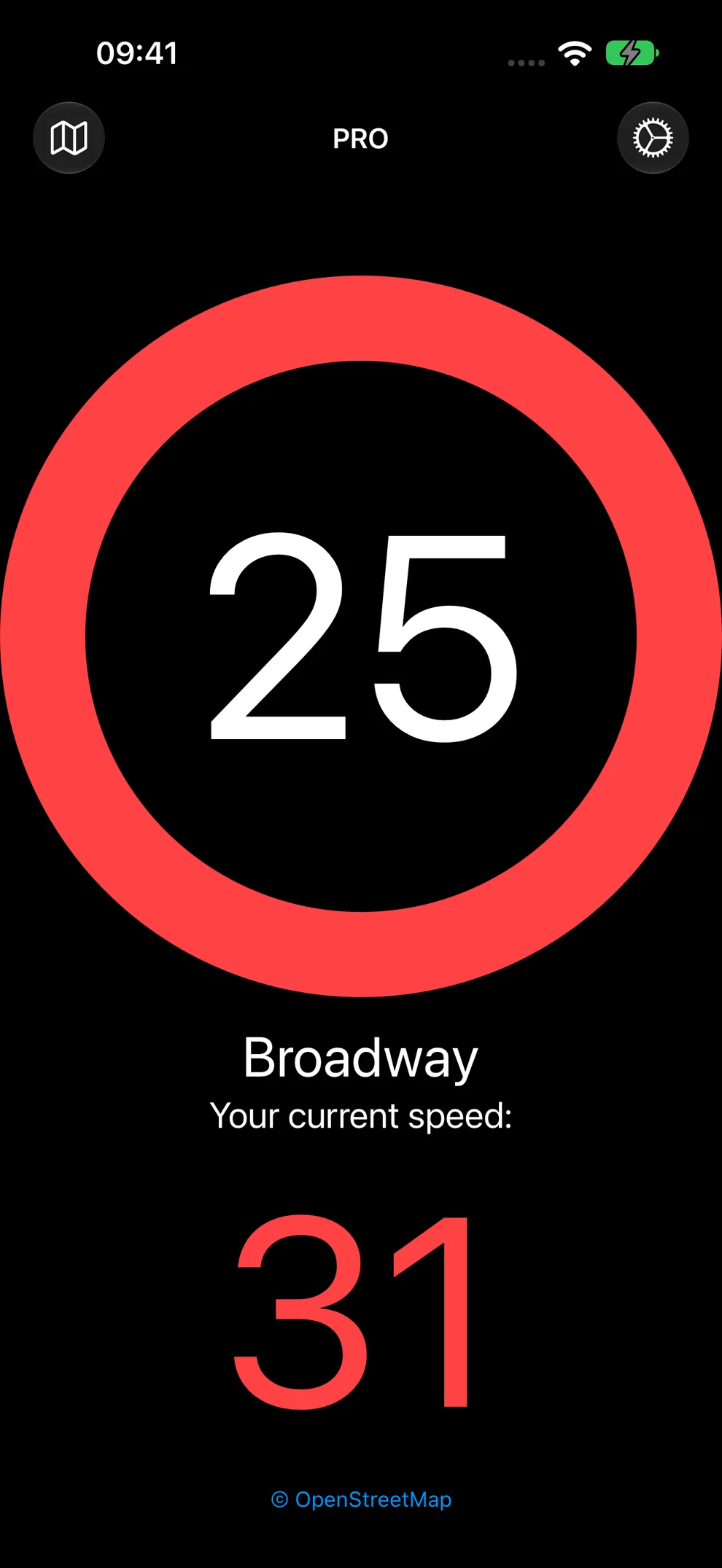
Mirror your display.
For a windshield reflection, switch on the mirrored heads-up display (HUD). Set up your preferred view and securely position the device while parked.
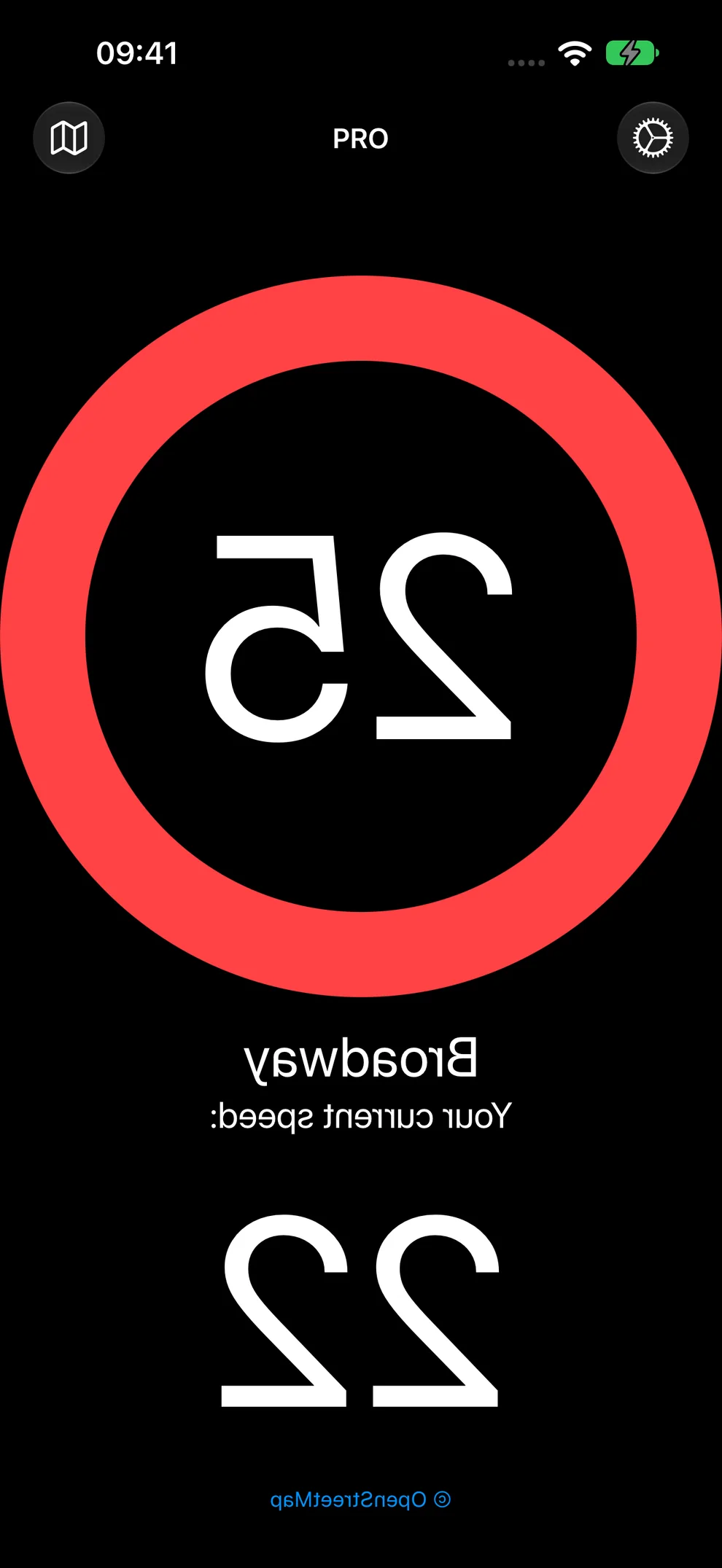
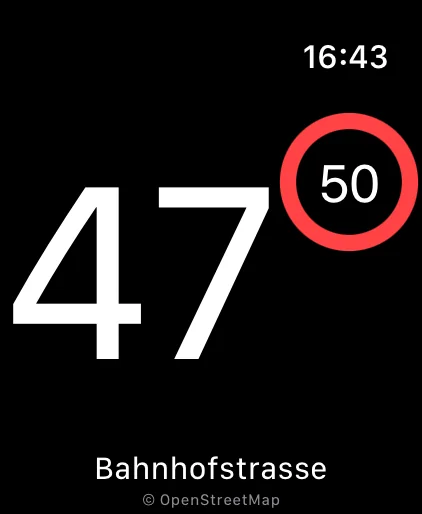
Speed limits on your wrist.
Keep your current speed and the mapped road limit visible on your wrist. The companion app can detect a drive automatically, and downloaded iPhone maps also support offline road matching for your paired Watch.
Your current speed can stay visible with your wrist lowered. Raise your wrist to resume fresh speed-limit information.
Ready before you drive.
- Open the app while parked, read the safety notice, and allow location access.
- For offline use, check that the map you need is ready. Prepare large downloads on Wi-Fi before leaving.
- Securely mount your device and choose your display and warning settings before setting off.
Limits come from OpenStreetMap road data and can be incomplete or inaccurate. Always follow current road signs, temporary restrictions, local laws, and road conditions.
Frequently asked questions
What can I use for free?
The free version includes 15 minutes of speed-limit display each day. PRO removes that daily limit, with monthly, three-month, or annual subscriptions. Current options and local prices appear in the app and on the App Store.
Does it work offline?
Yes, with the relevant map downloaded in advance. Choose a region or save a trip to prepare its route maps before departure. Online place search and route calculation use Apple Maps and require a network connection.
Do I have to start a navigation route?
No. The app uses your location and direction of travel to match nearby roads. Planning a trip is optional and helps prepare offline maps for a particular journey.
Does it use mph or km/h?
Both. The app follows the speed unit recorded for the matched road and uses it for your current speed too. The Broadway example shown here uses mph.
Which devices are supported?
Speed Limit Fullscreen is available for iPhone and iPad, with a companion app for Apple Watch. The App Store listing gives the current operating-system requirements.
Do I need an account? Is there tracking?
No account is required. The app has no advertising or third-party analytics or tracking SDK. Live location is used for app features and is not sent to a server operated by the developer. Read the privacy policy for details.
Where can I get help?
Visit Speed Limit Fullscreen support for help with offline maps, GPS, saved trips, purchases, and Apple Watch, or contact support@flaviothomi.com.
15 minutes of speed-limit display free each day · PRO removes the daily limit
Free on the App Store