 Dorii
DoriiiPhone · iPad
Dorii: Shift Schedule Alarms
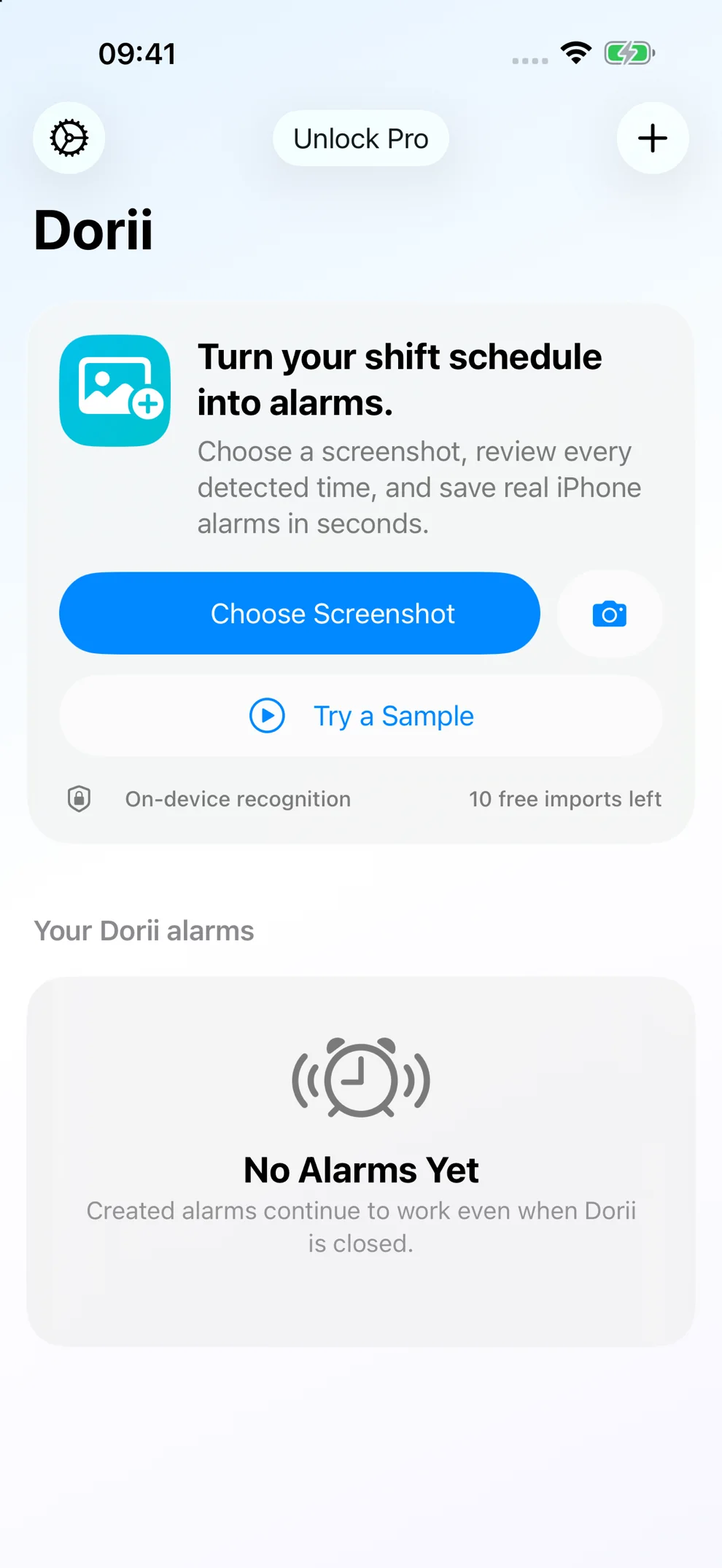
Turn a same-day roster screenshot into reviewed iPhone alarms in seconds—privately, with on-device recognition.
Ten free imports and Dorii Pro
Scan your schedule. Set your alarms.
Turn a photo or screenshot into iPhone alarms.
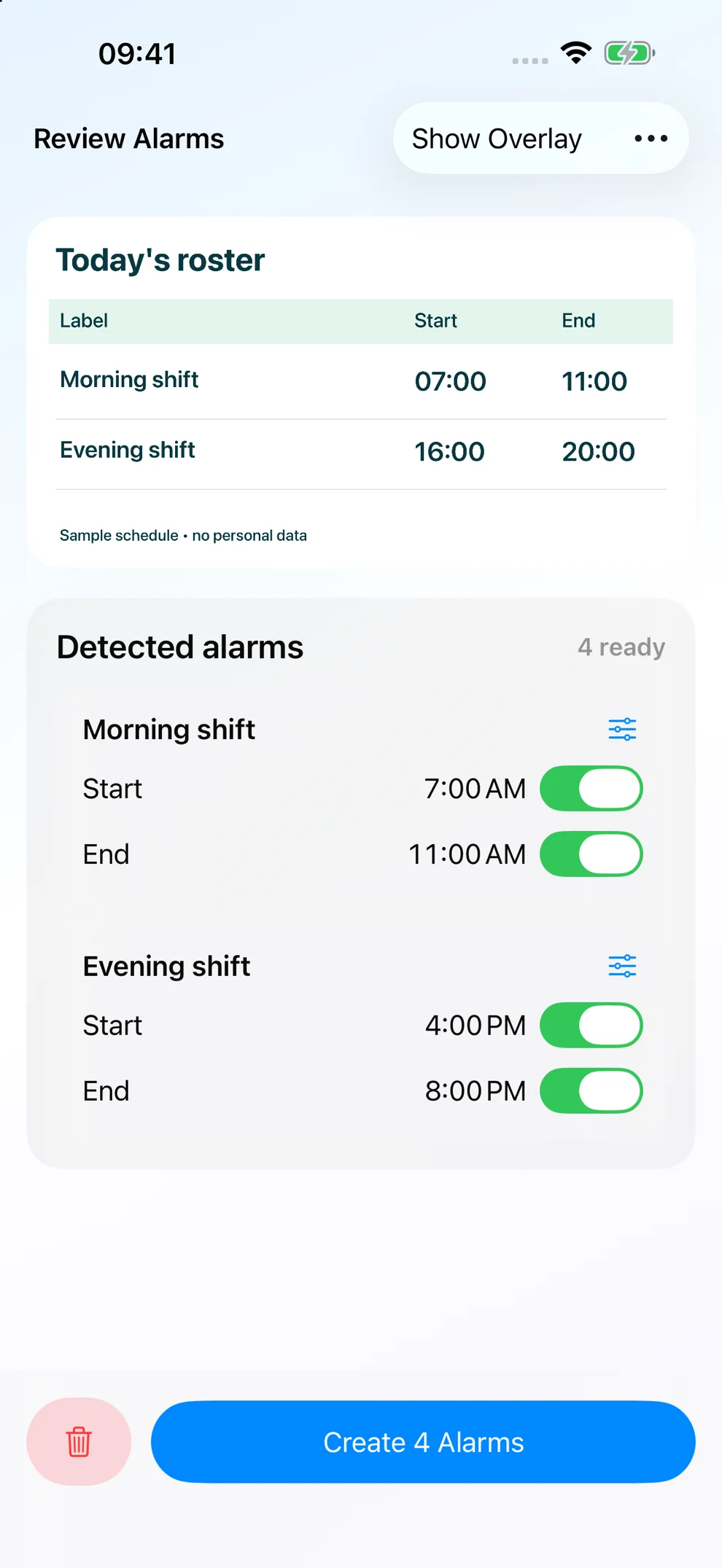
Got your shifts as a screenshot? Dorii turns the times in your roster into real iPhone alarms in seconds. Review every alarm before saving. Your schedule stays on your device.
Check once. Set them together.
Review every time before saving.
Choose a same-day schedule image, check the detected labels and times, adjust early-warning offsets, and create all approved alarms at once. Alarms can ring through Silent mode and Focus using Apple’s AlarmKit.
Silent mode? Still rings.
Real iPhone alarms. Even during Focus.
A little early. Right on time.
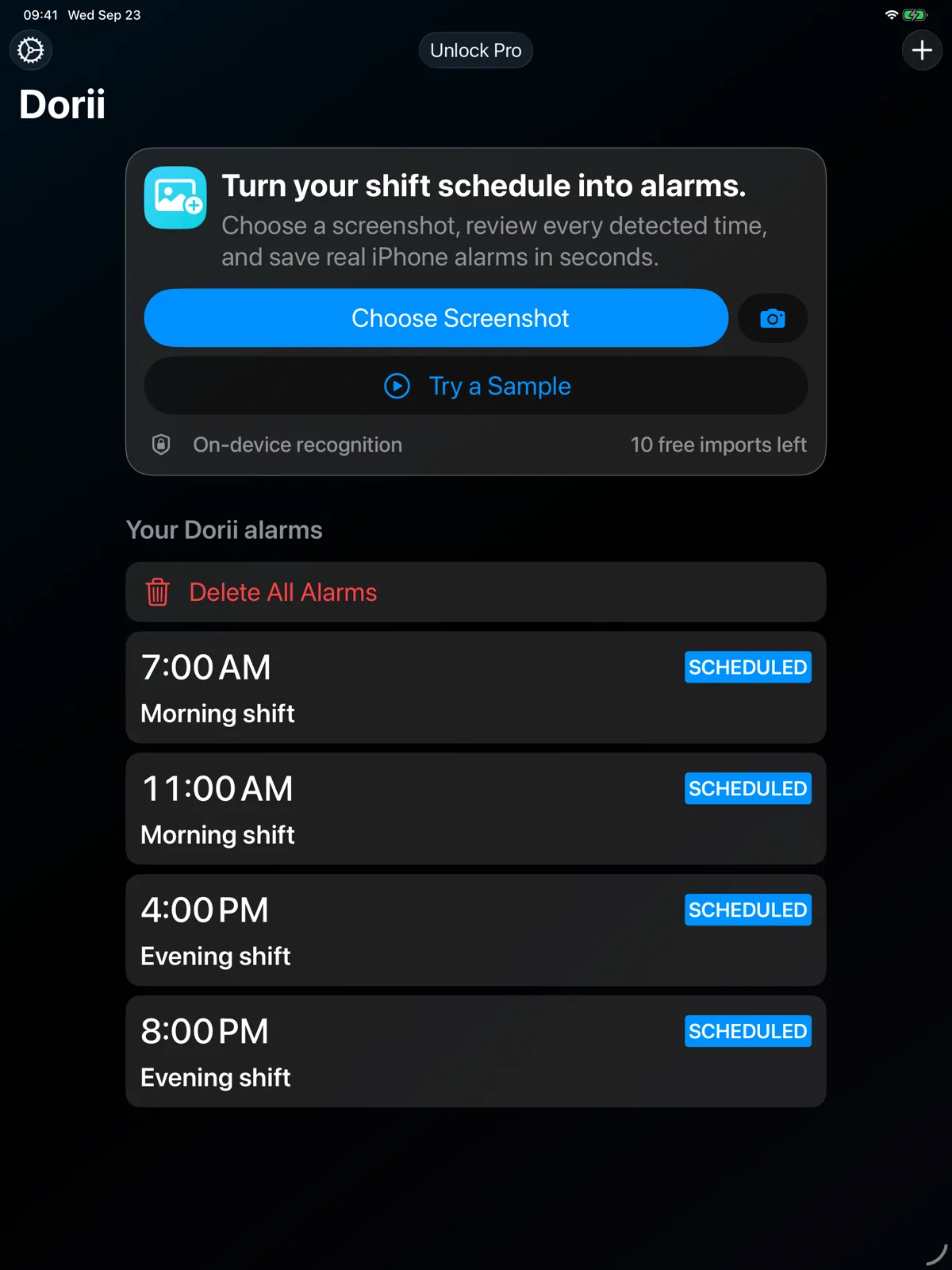
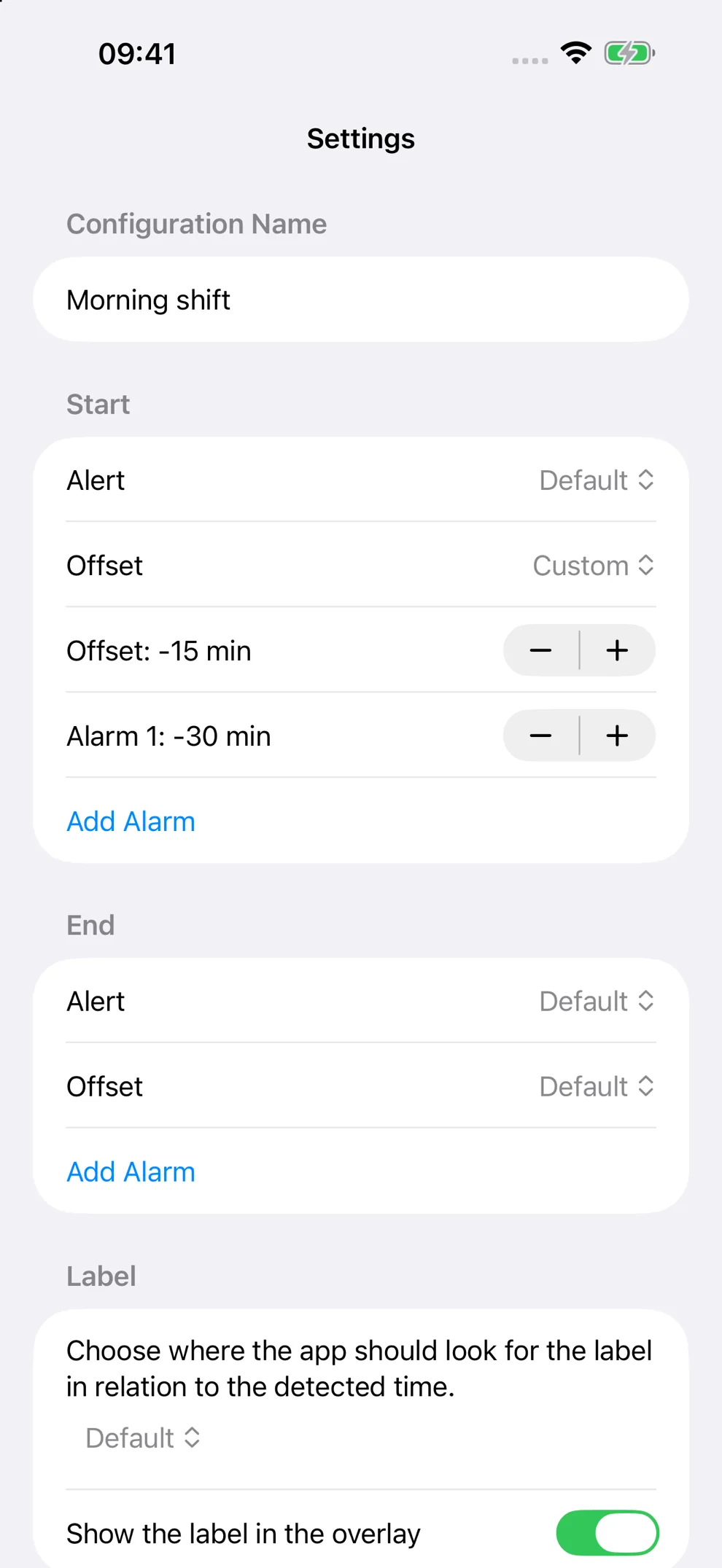
Add extra alarms before each shift.
Your schedule. Yours alone.
No account. No tracking. No uploads.
Ten free imports and Dorii Pro
Dorii includes ten complete photo imports. Dorii Pro unlocks unlimited imports and Shortcuts actions. No account, ads, tracking, or server upload.
- Dorii Pro Lifetime: Unlimited photo imports and Dorii automation actions
- Dorii Pro Annual: Unlimited imports and Dorii automations for one year
Same-day schedules only
Dorii recognizes times in one same-day roster image. It does not interpret dates or create a multi-day weekly schedule. Review every detected label and time before saving.
Frequently asked questions
Can I edit a detected alarm?
Yes. Review and change its label, time, early-warning offset, and enabled state before creating any alarms.
Will alarms ring in Silent mode or Focus?
Dorii creates real iPhone alarms through Apple AlarmKit, which can ring through Silent mode and Focus.
Does Dorii upload my roster?
No. Recognition runs on your device, and Dorii has no account, advertising, tracking, or schedule-upload server.
What counts as a free import?
One selected screenshot counts once only when at least one alarm is created successfully. Samples, cancellations, failures, and all-past results do not count.
Download Dorii
Turn your next same-day shift roster screenshot into reviewed iPhone alarms with Dorii.
Ten free imports and Dorii Pro
Free on the App Store